

Object remover
Erase people, text and clutter, with optional AI fill
AI expand
Choose a new size in Crop and lamdep's cloud AI paints the missing edges so the picture fits a story, post or banner without awkward cropping.
Where to find it: Android: lamdep on Google PlayiPhone: Open brAIn on the App Store
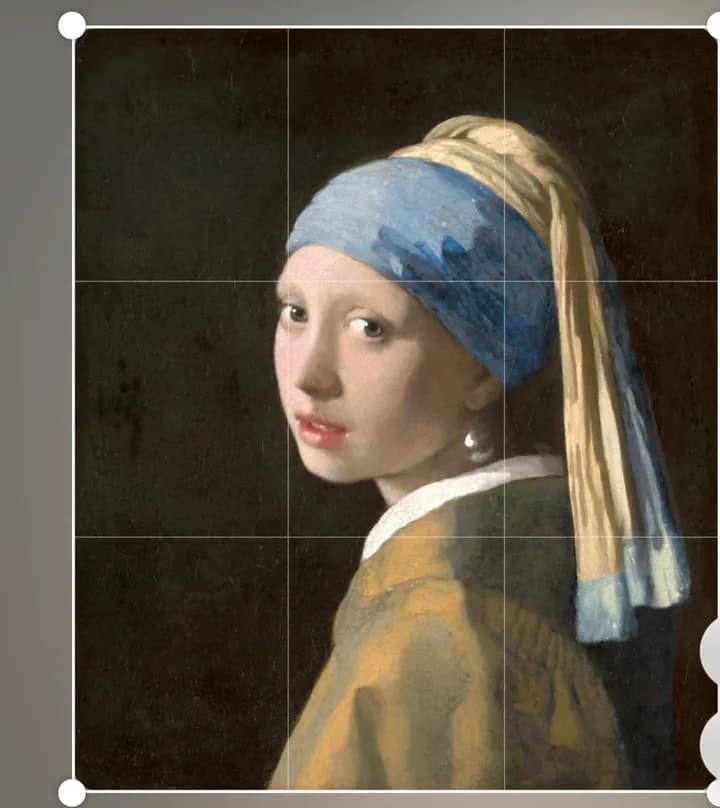
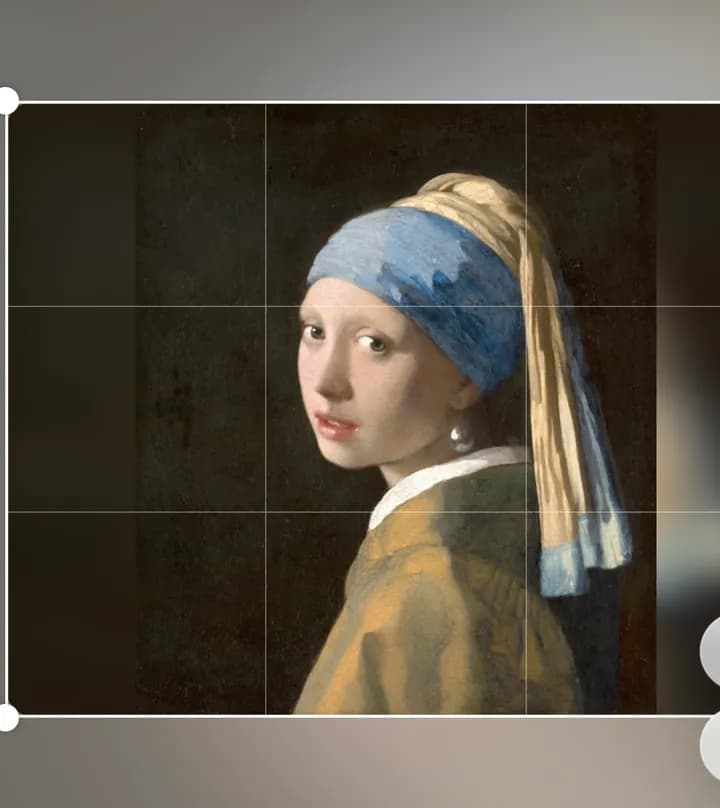
How it works
Pick a size, such as a story, post or one of your own.
Agree to cloud processing once; the job runs in the background.
The expanded photo becomes your new starting point, ready to retouch.
On iPhone (Open brAIn): AI tools › Expand
Why it looks right
Square, portrait, story and wide sizes are one tap away.
Keep the whole subject instead of cutting off heads or hands.
Standard costs 2 credits; HD costs 5 for larger output.
If a job fails, the credits come back automatically.
Questions
2 credits in standard quality, 5 credits in HD.
The photo is sent for the job only after you agree. Your AI history can be deleted at any time.
Yes. Choose a size and lamdep fills every new edge.
No. Any signed-in user can spend credits; Pro adds 60 credits every month.
Erase people, text and clutter, with optional AI fill
Sharpen blurry or low-resolution photos
Looks, curves, color grading and masks
Free to download for iPhone and Android. Pro tools and AI credits are optional.