

Video editor
Multi-track timeline, effects and video beauty
Auto captions
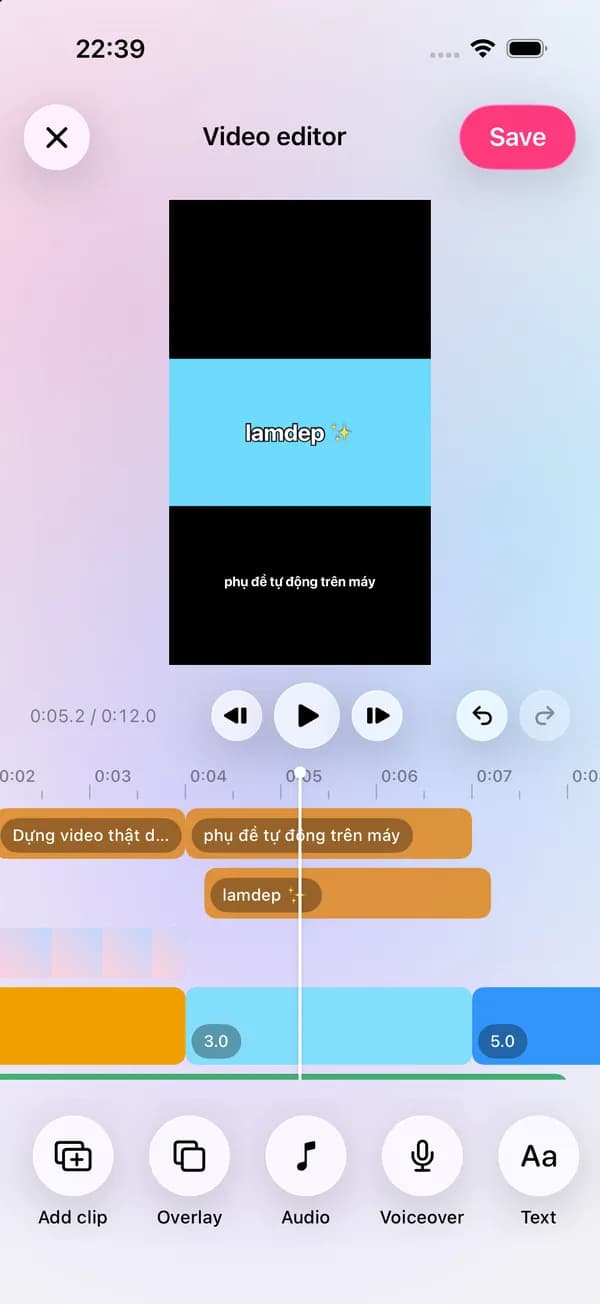
lamdep listens to your clip on the device and writes word-timed captions in English or Vietnamese. Pick a style, fix a word, and trim the video by editing the transcript.
Where to find it: Android: lamdep on Google PlayiPhone: Open brAIn on the App Store
How it works
Choose the spoken language; captions appear on their own track.
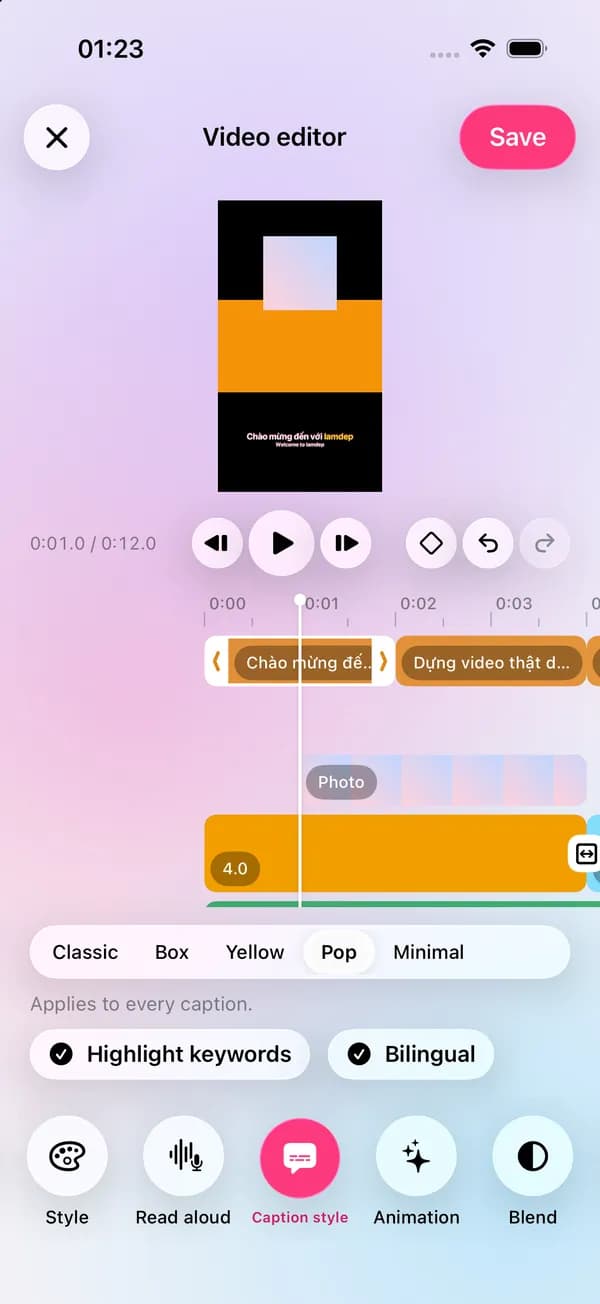
Pick a style, highlight keywords or add a second language line.
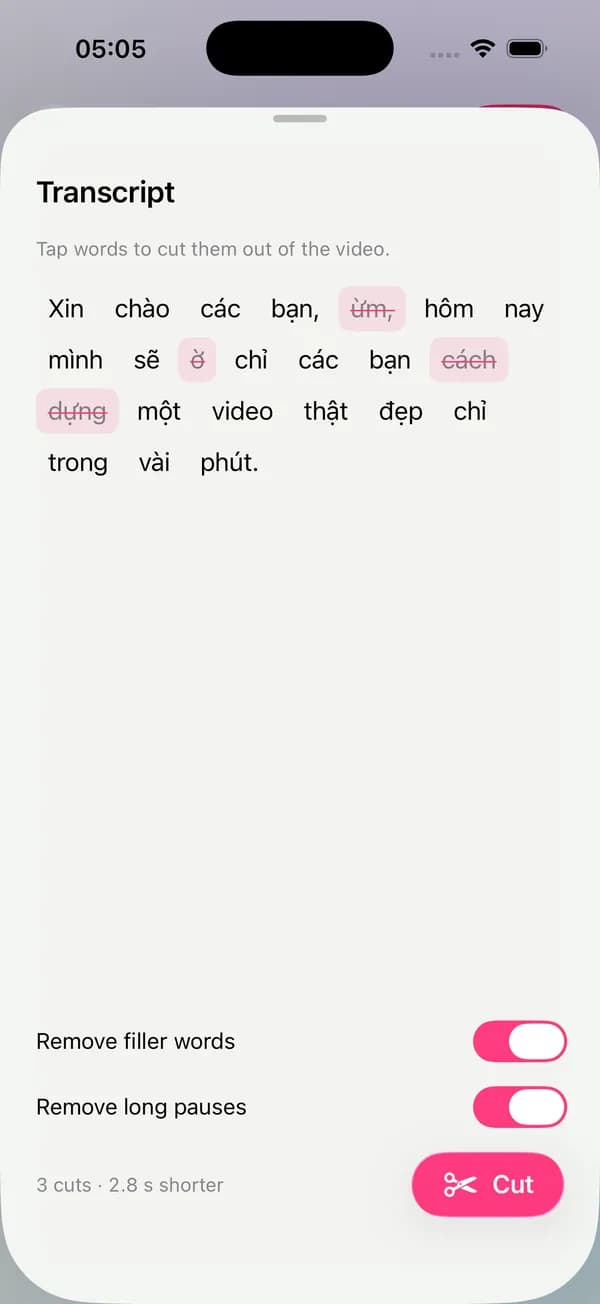
Remove filler words and long pauses from the transcript in one go.
Why it looks right
Speech recognition runs on supported phones, with no upload.
Show the original and a translation on two lines.
Delete words in the text to cut them from the video.
Turn text into speech for a quick voiceover.
Questions
English and Vietnamese first, depending on what your phone's speech recognition supports.
Yes. Fix any caption, restyle all of them at once and adjust timing on the timeline.
On phones with on-device speech recognition, yes. Older Android versions may need a newer system.
Yes. Captions can be translated into a second line, on the device or with cloud AI.
Multi-track timeline, effects and video beauty
Read your script while you record
Describe the look and AI plans the edits
Free to download for iPhone and Android. Pro tools and AI credits are optional.