

Remove background
Clean cutouts, new colors or blur
Color & filters
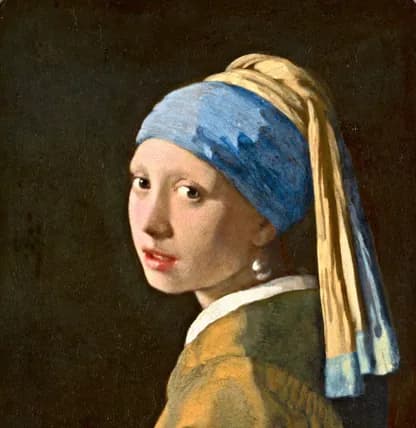
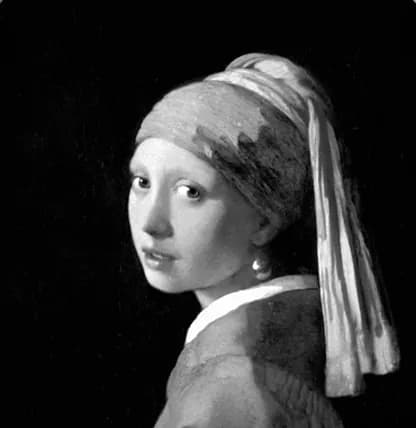
Start with a look, then shape light and color with the same kind of tools photographers use: curves, a color mixer, grading wheels and masks for the subject or the background.
Where to find it: Android: lamdep on Google PlayiPhone: Open brAIn on the App Store
How it works
Browse looks and filter packs, and set the strength.
Exposure, white balance, curves, mixer and grading wheels.
Mask the subject, background or a person and adjust just that area.
On iPhone (Open brAIn): Edit › Filters
Why it looks right
Tone curve, HSL mixer, three-way color grading, detail and noise reduction.
Select the subject, the background, a person, or parts like skin, hair and lips automatically.
Save presets, copy edits and paste them onto many photos at once.
The lamdep web editor brings looks and light and color controls to any computer.
Questions
On iPhone, lamdep develops RAW (DNG and ProRAW) photos with the same color tools.
Yes. Import a .cube LUT as a profile and blend it with the amount slider.
Yes. The web editor offers looks plus light and color adjustments, and your photo stays on your computer.
Core looks and all color tools are free. Premium filter packs are included with lamdep Pro.
Clean cutouts, new colors or blur
Describe the look and AI plans the edits
Free to download for iPhone and Android. Pro tools and AI credits are optional.