

Profile pictures
A clean, well-lit photo for every profile
Use case · Selfies
A good selfie is mostly light and angle; the edit should only finish the job. Here is a simple routine in lamdep, from the camera to the last look.
Step by step
Set a light smoothing level in the camera so you see the result before you shoot. Use the timer to keep your hands out of the frame.
More about Beauty camera & ARTap Auto, then lower the strength. Clear blemishes and dark circles, and leave texture in the skin.
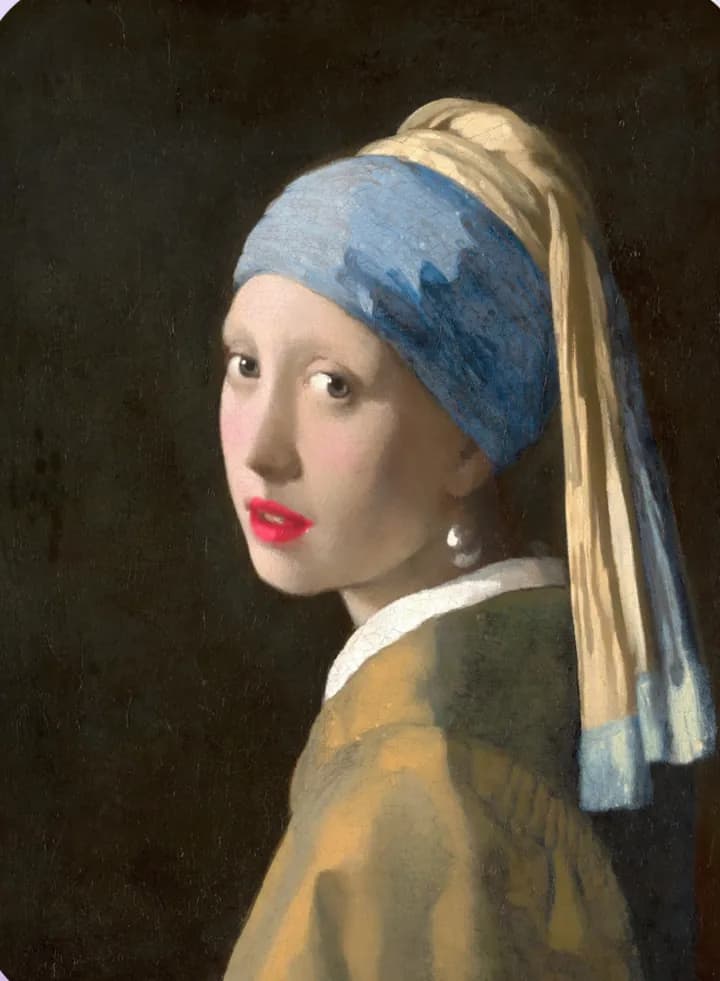
More about Skin retouchA touch of lipstick or blush, set to a low intensity, looks like makeup rather than a filter.
More about MakeupPick a look for color and set its strength; the same look on every selfie keeps your feed consistent.
More about Color & filtersGood to know
Soft daylight from in front of you does more than any retouch. Avoid a bright window behind you.
Slightly above eye level, at arm's length, keeps proportions natural. Very close wide-angle shots stretch the face.
A smudged front camera makes every photo look hazy; wipe it before you shoot.
Check the edit against the original. If friends would notice it, turn it down.
Questions
Use low strengths, keep skin texture and change one thing at a time. In lamdep, Natural smoothing keeps pores and freckles.
Often not. Live beauty is enough for many selfies; the editor is there when you want more control.
No. lamdep has no reshaping tools: skin, light, color and makeup only.
A clean, well-lit photo for every profile
Restore, sharpen and share old family photos
Collages, text and captioned videos for your feed
lamdep is free on Google Play; on iPhone, use Open brAIn with the same account.