

Hair color
Try new hair colors and AI hairstyles
AI avatars
Add one to three selfies and the AI makes ten portraits of you in different styles, from a clean business headshot to anime and watercolor. It takes about one to two minutes.
Where to find it: Android: lamdep on Google PlayiPhone: Open brAIn on the App Store
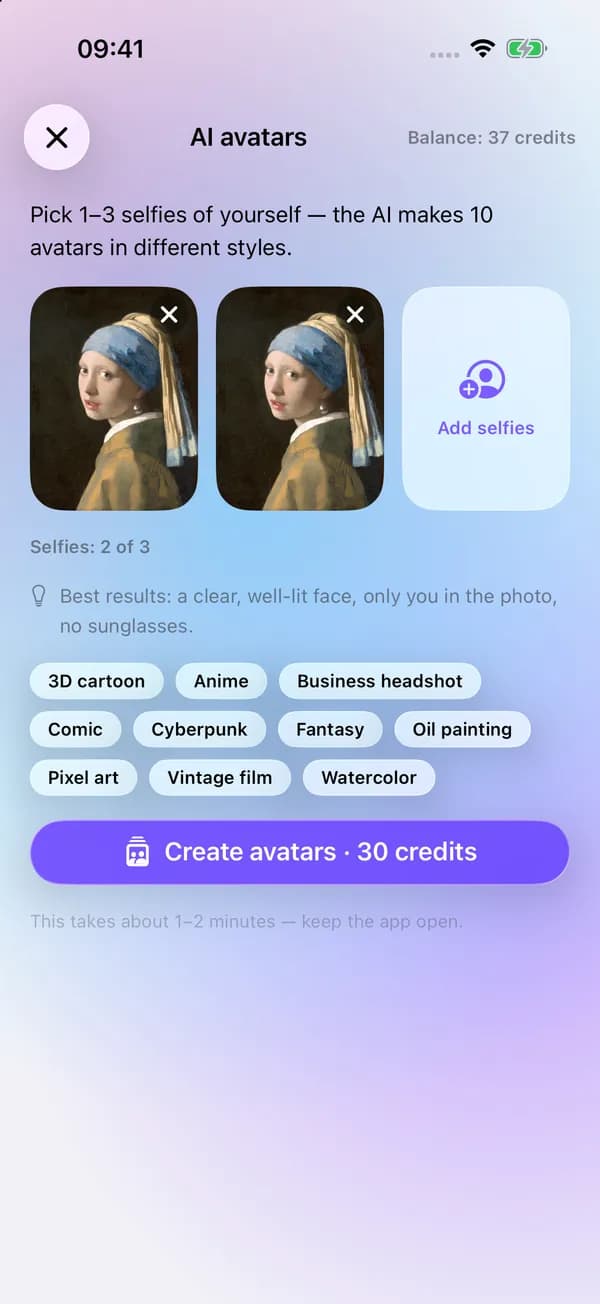
How it works
Pick 1 to 3 clear selfies: only you in the photo, face well lit, no sunglasses.
Agree to cloud AI and tap Create avatars. The pack costs 30 credits.
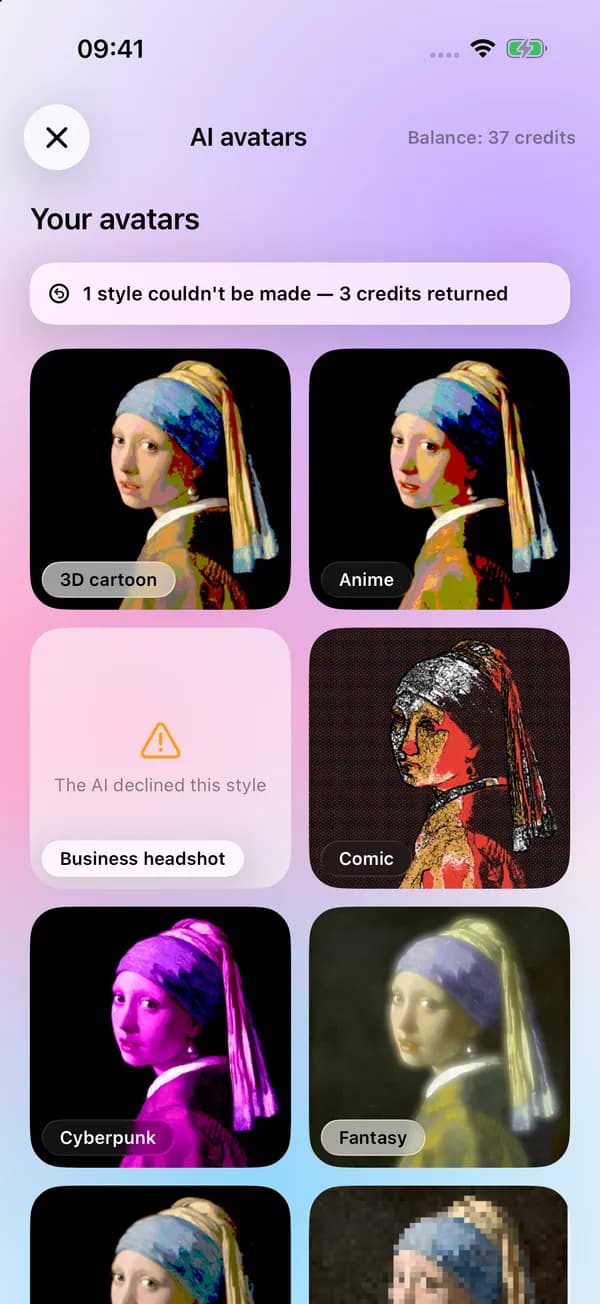
Your ten avatars arrive in one to two minutes. Save one, several, or all.
On iPhone (Open brAIn): Explore › AI studio › AI avatars
What you get
3D cartoon, anime, business headshot, comic, cyberpunk, fantasy, oil painting, pixel art, vintage film and watercolor.
If the AI declines a style, the credits for that style are returned automatically.
AI Portrait turns one photo into a single style, such as anime, oil painting, watercolor or a studio headshot, for 6 credits.
Results are kept in your AI history, where you can delete them at any time.
Guide
The business headshot style works as a friendly profile picture for chat apps and forums; the illustrated styles suit gaming profiles, stickers and social posts. Some services ask for a real photo, such as job sites and official documents, so use a real portrait there.
If a result doesn't look like you, try again with selfies taken in daylight, facing the camera, with a neutral background.
Questions
30 credits per pack of ten styles. Credits for any style the AI could not make are refunded.
Clear, well-lit selfies with only you in the photo and nothing covering your face. Two or three different angles give the AI more to go on.
Only of people who have agreed to it. Use photos of yourself, or of someone who has given you permission.
After you agree to cloud AI, the selfies are sent through lamdep's servers to the AI model that draws the avatars. You can delete the results from your AI history.
Yes. Delete results from your AI history at any time; deleted items are erased for good after 30 days.
Try new hair colors and AI hairstyles
Sharpen blurry or low-resolution photos
Smooth skin, clear blemishes, even tone
Free to download for iPhone and Android. Pro tools and AI credits are optional.