

Makeup
Lipstick, blush, brows and more that follow the face
Beauty camera & AR
Smoothing, tone and makeup run live in the camera. Add an AR effect for fun, save the combination as your look, and record video with it too.
Where to find it: Android: lamdep on Google PlayiPhone: Open brAIn on the App Store

How it works
Switch between Photo and Video and pick your ratio.
Smooth skin, tone, makeup or an AR effect, all previewed live.
Edit the shot further, or save the look to use next time.
On iPhone (Open brAIn): Beauty cam › AR
Why it looks right
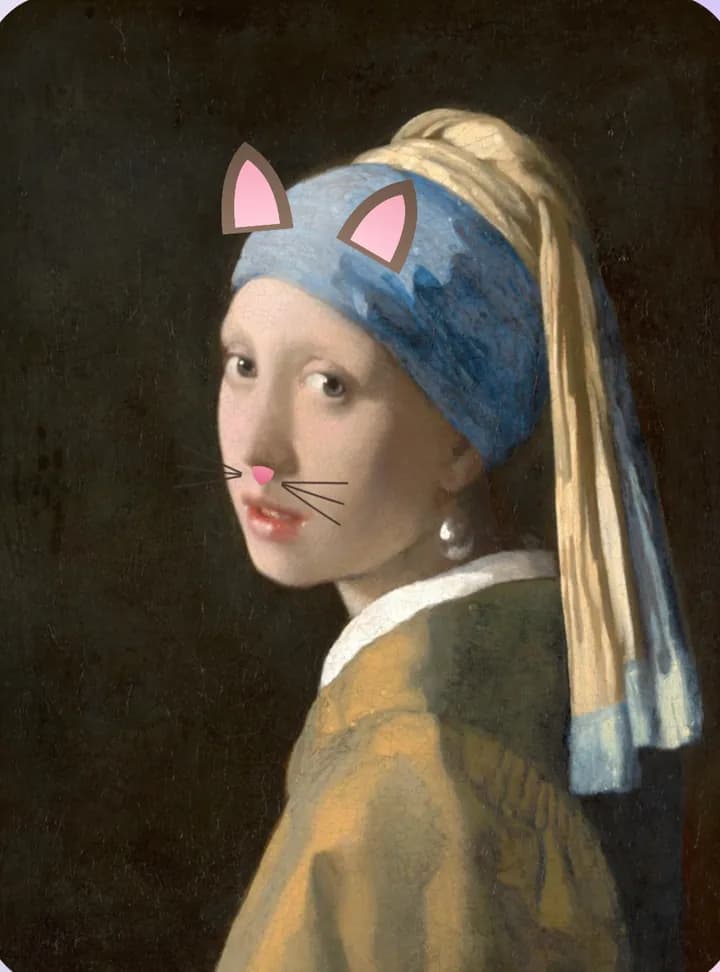
AR effects follow the face and react when you open your mouth.
Save your favorite beauty settings and switch in one tap.
Night mode merges several frames for cleaner shots in the dark.
Record clips with the same live beauty you see in the preview.
Questions
Yes. What you see in the preview is what you get, and you can keep editing afterward.
Yes. Switch to Video to record with live beauty.
Yes, the AR effects in the camera are free to use.
Yes. Use a 3 or 10 second timer, pick the aspect ratio and tap to set focus and exposure.
Lipstick, blush, brows and more that follow the face
Smooth skin, clear blemishes, even tone
Read your script while you record
Free to download for iPhone and Android. Pro tools and AI credits are optional.