

Collage
Combine 2 to 9 photos in one layout
Text & stickers
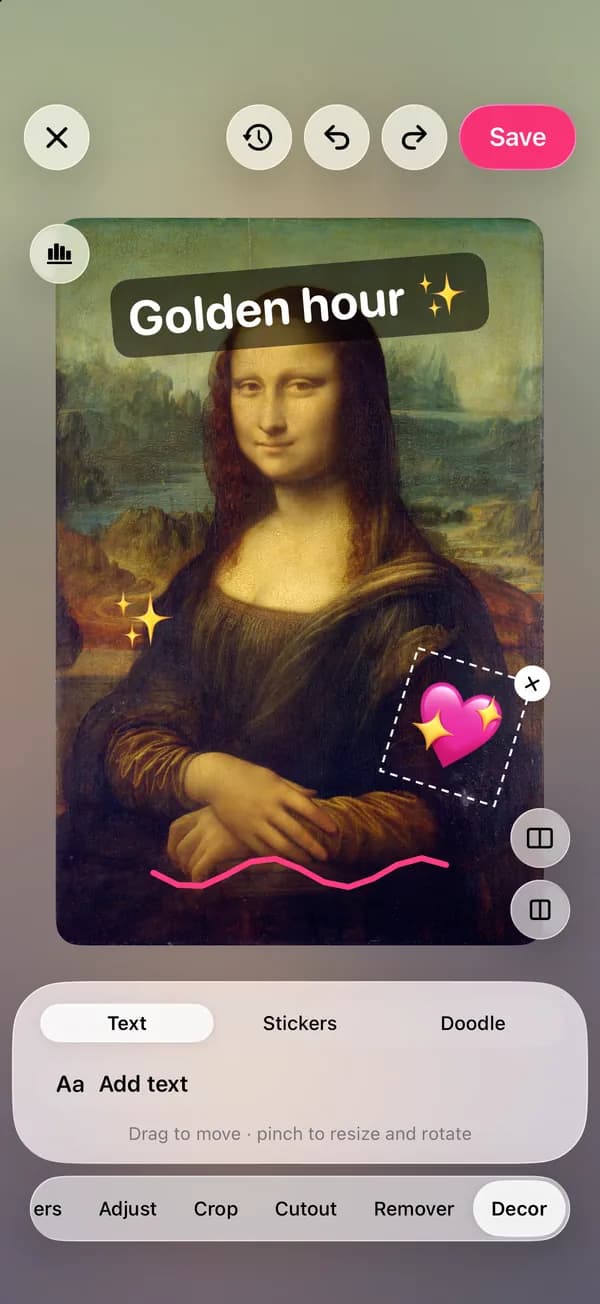
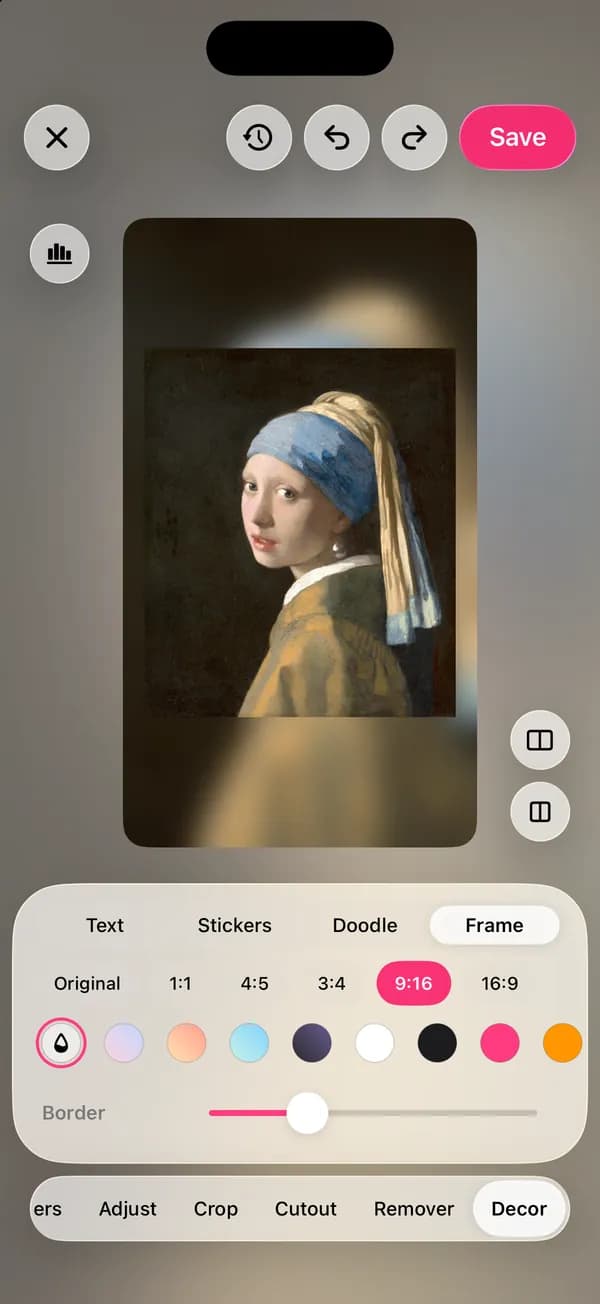
Decor puts text, stickers, doodles and frames on your photo as layers you can move, resize and change later. Style the words, pick a sticker, draw with a brush, then set the frame for the feed.
Where to find it: Android: lamdep on Google PlayiPhone: Open brAIn on the App Store
How it works
In the editor, open Decor and choose Text, Stickers, Doodle or Frame.
Type your words, pick a font and style, or place a sticker. Drag to move, pinch to resize and rotate.
Set a ratio and border for the feed, then save. Layers stay editable until you do.
On iPhone (Open brAIn): Edit › Decor
What you get
Fonts, color, outline, shadow, background and neon looks, opacity and curved text.
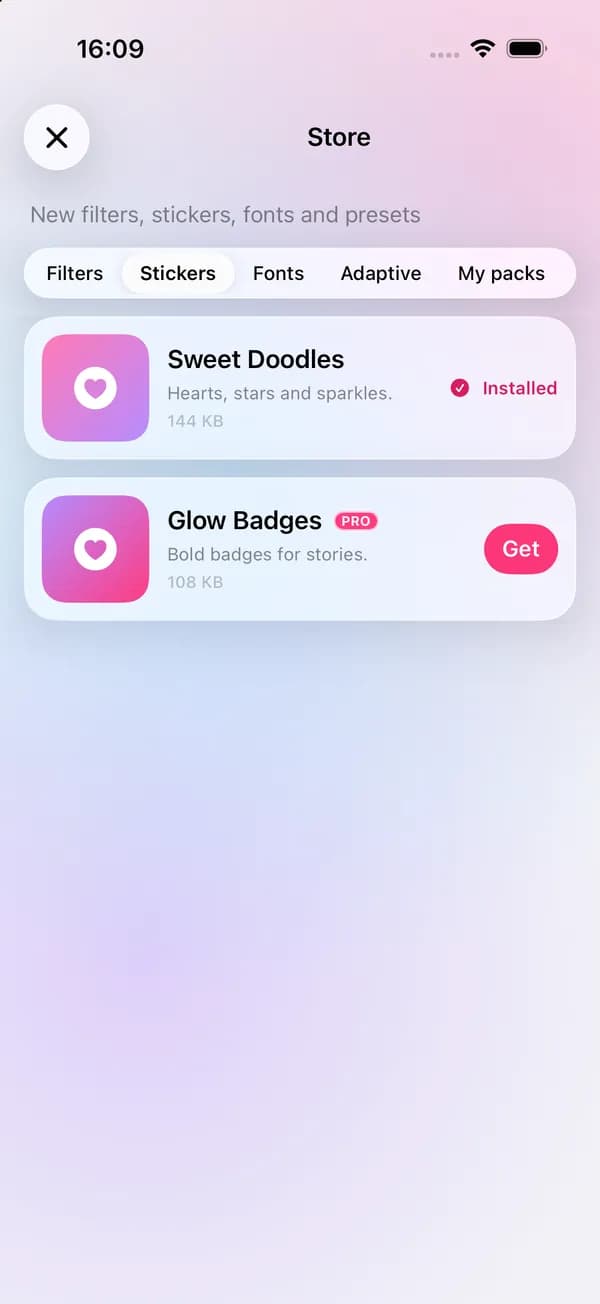
Emoji, built-in stickers and more packs in the Store, plus brushes and a highlighter for drawing.
Ratios such as 1:1, 4:5, 9:16 and 16:9 with a color, blurred or patterned border.
AI writer suggests a caption, hashtags or a title in a playful, warm or minimal tone. It's free, with a daily limit.
Guide
Keep titles short and place them over a calm area of the photo, such as sky, a wall or a blurred background. If the background is busy, add an outline, a shadow or a text background instead of making the letters bigger.
For stories, leave the top and bottom edges clear: apps put their own buttons there. Two fonts per photo is usually plenty, one for the title and one for small text.
Questions
Yes. Text and stickers stay separate layers while you edit, so you can move, restyle or delete them at any point before you save.
The built-in stickers, fonts and brushes are free. The Store has more packs, some of which include Pro items.
Describe the photo in a few words, choose a tone and AI writer suggests captions or hashtags. It is free, with 5 uses a day (50 with Pro), and you need to be signed in.
Yes. The video editor has its own text with styles and animations, plus auto captions.
Yes. Besides the built-in styles, text style packs in the Store add ready-made looks for titles and captions.
Combine 2 to 9 photos in one layout
Describe the look and AI plans the edits
Free to download for iPhone and Android. Pro tools and AI credits are optional.