

Auto captions
Styled captions from speech, on your phone
Video editor
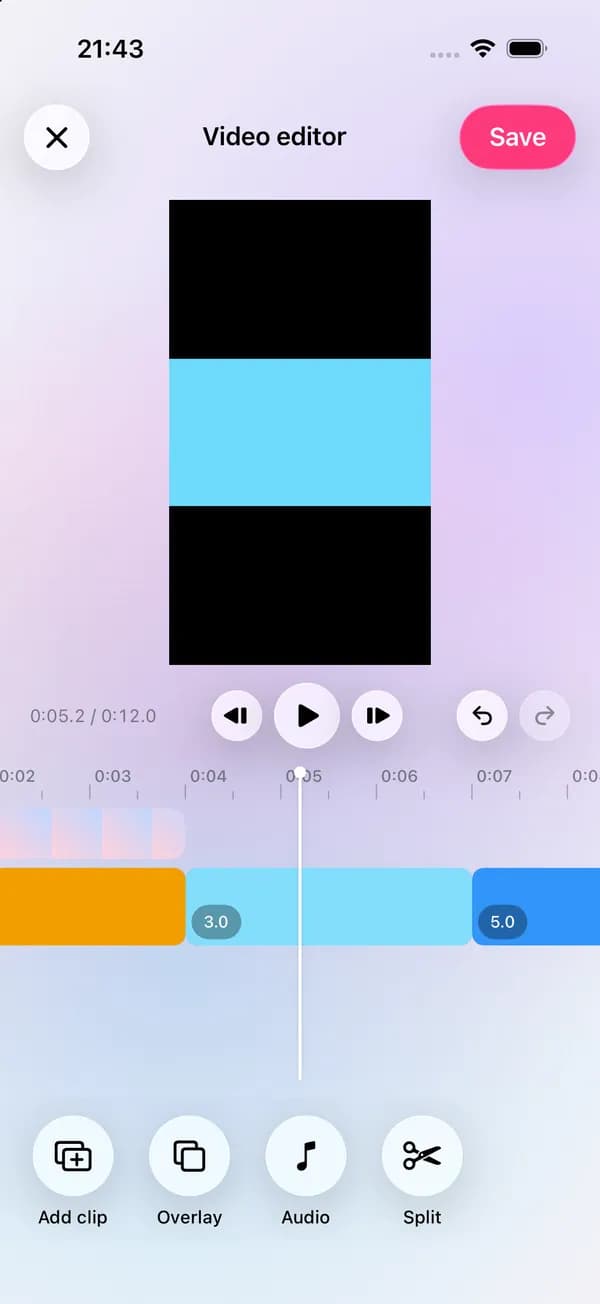
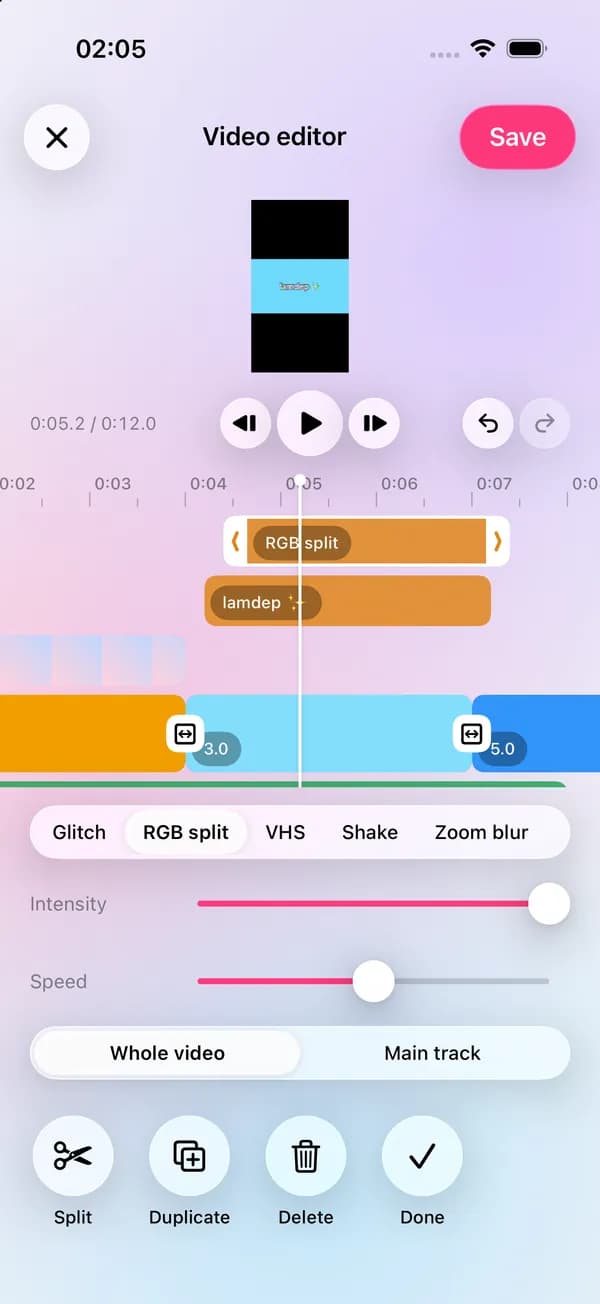
Cut, layer and polish clips on a real timeline. Add text, music and transitions, grade the color, and apply the same beauty tools you use on photos.
Where to find it: Android: lamdep on Google PlayiPhone: Open brAIn on the App Store
How it works
Pick videos and photos; they land on the main track in order.
Trim, split, change speed, add text, stickers, music and transitions.
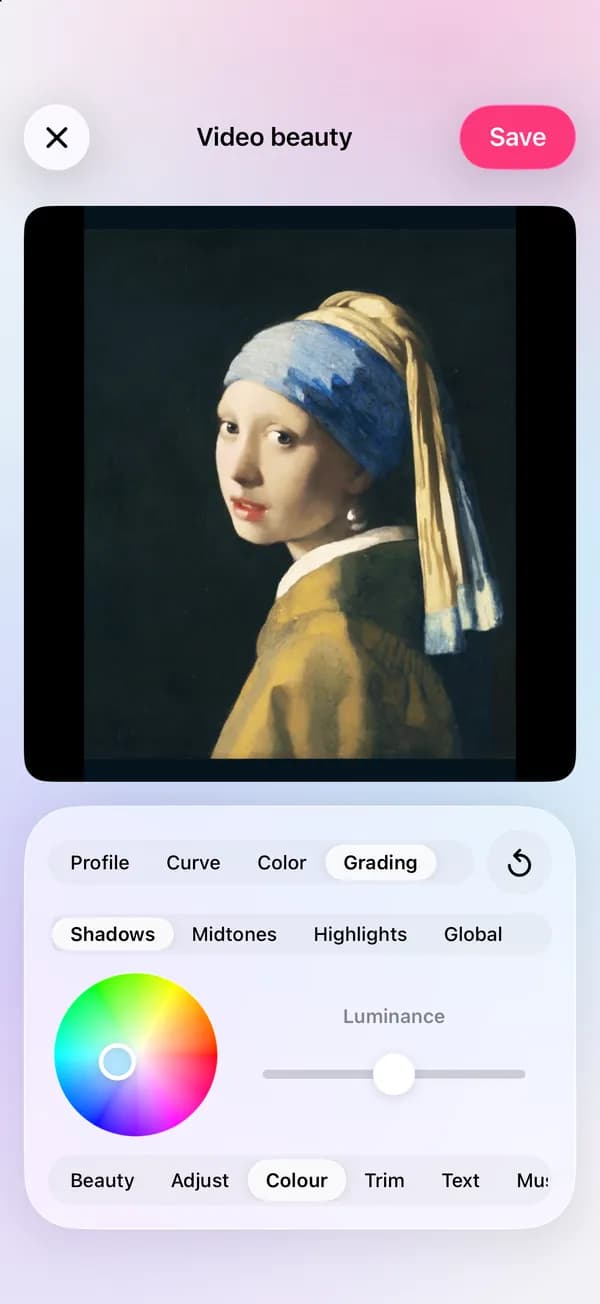
Grade the color, add beauty, then export as video or GIF.
Why it looks right
Overlay clips and photos, with masks, chroma key and keyframes.
Auto reframe for new ratios, object tracking and stabilization.
Smooth skin and even out tone across a whole clip.
Fill a template with your clips, or make your own from a project.
Questions
Yes. Use the audio library, your own sounds or record a voiceover, and sync cuts to the beat.
Yes. Auto captions transcribe speech on your phone; see the captions page for details.
Video in several resolutions and GIFs; on iPhone also Live Photos.
Yes. The editor is free; some premium looks and beauty tools are part of lamdep Pro.
Styled captions from speech, on your phone
Read your script while you record
Looks, curves, color grading and masks
Free to download for iPhone and Android. Pro tools and AI credits are optional.