

Selfies
Natural-looking selfies, live and after the shot
Use case · Family photos
Old prints fade, crack and gather dust, but a phone and a few tools can bring them back. Here is a simple routine to digitize, repair and share them.
Step by step
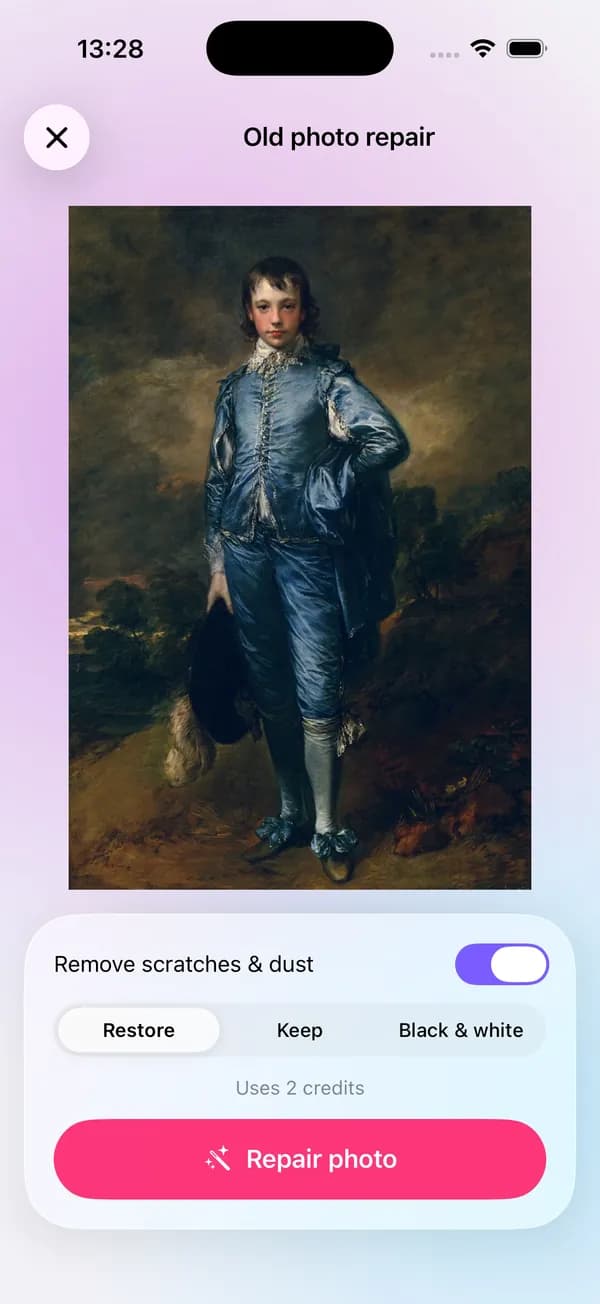
Photograph the print flat and glare-free, then let Old photo repair remove scratches and dust and choose how to treat the color.
More about Old photo repairIf you want to print it larger or the original was small, run AI Enhance for extra detail.
More about AI EnhanceUse Remover's heal, clone and dust tools for spots the repair missed, on your phone.
More about Object removerCombine then-and-now photos or a whole generation in one collage for the family chat.
More about CollageGood to know
Lay the print flat near a window and hold the phone parallel to it, so the corners stay square and there is no glare.
Always save repairs as new copies, and keep the untouched scans in their own album.
Add names, places and dates while older relatives still remember: in a caption, a note or the photo's file name.
Store the scans in two places, such as your phone's cloud backup and a computer.
Questions
Old photo repair and AI Enhance cost 2 credits each per photo. Signed-in users get free credits every week; Remover's manual tools and Collage are free.
Small tears and missing corners can be filled in. When large parts of a face are missing, the AI has to guess, so compare carefully with the original.
Only for the cloud steps (repair and enhance), and only after you agree. Remover's manual tools and Collage run on your phone.
Natural-looking selfies, live and after the shot
A clean, well-lit photo for every profile
Collages, text and captioned videos for your feed
lamdep is free on Google Play; on iPhone, use Open brAIn with the same account.