

Selfies
Natural-looking selfies, live and after the shot
Use case · Social media
Most social content is a few photos, a bit of text and a short video. lamdep covers all three on your phone, so you can go from idea to post without switching apps.
Step by step
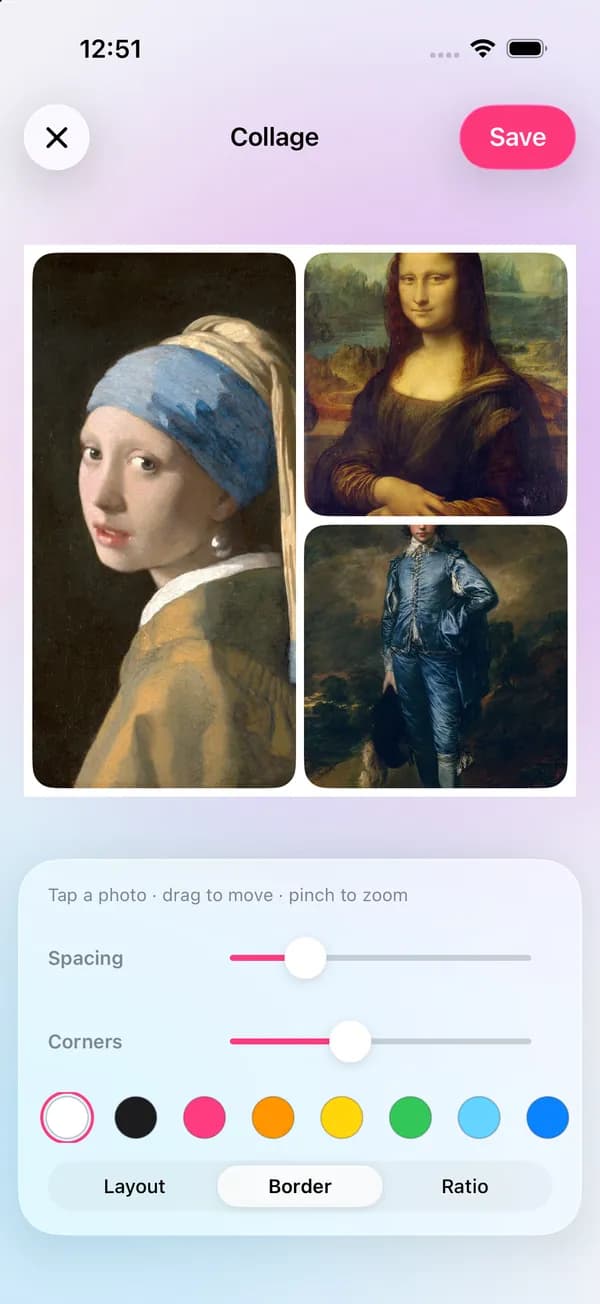
Put several moments in one post with Collage, in a square, portrait or story ratio.
More about CollageTitle the post, add a sticker or doodle, and let AI writer suggest a caption and hashtags.
More about Text & stickersFor talking videos, the teleprompter scrolls your script by the front camera while you record.
More about TeleprompterAuto captions turn your speech into styled subtitles, so the video works on mute.
More about Auto captionsGood to know
Portrait 4:5 takes more space in feeds; 9:16 is for stories and short videos. Pick the ratio before you add text.
Apps put buttons and captions at the top and bottom of stories; keep text and faces in the middle.
Many people watch with the sound off. Captions also help viewers who are deaf or hard of hearing.
Use the same look, fonts and colors across posts so people recognize your content.
Questions
Square 1:1 or portrait 4:5 for feed posts, and full-screen 9:16 for stories and short videos.
Yes, with a daily limit (5 a day, 50 with Pro). You need to be signed in.
Auto captions recognize English and Vietnamese speech on your phone, and can be translated into a second line.
Natural-looking selfies, live and after the shot
A clean, well-lit photo for every profile
Restore, sharpen and share old family photos
lamdep is free on Google Play; on iPhone, use Open brAIn with the same account.