Selfies
Natural-looking selfies, live and after the shot
Use case · Dating profiles
The person you meet should recognise you from your photos. That rules out heavy filters, but not good light, a calm background and a sharp picture. Here is a four-step routine that improves a profile photo without changing who is in it.


Step by step
Many phone photos are taken under ceiling lights that flatten the face. Re-light adds a light source you can drag: a soft butterfly or Rembrandt setup gives shape back without looking staged. Keep the strength low and the warmth close to the room's light. Re-light is a Pro tool; free users get a few Pro saves each week.
More about Re-lightTap Auto, then lower the strength until the skin still has texture. Clear a passing blemish or tired under-eyes, and leave freckles, lines and scars alone: they are part of the face someone will meet. Skin retouch never reshapes the face.
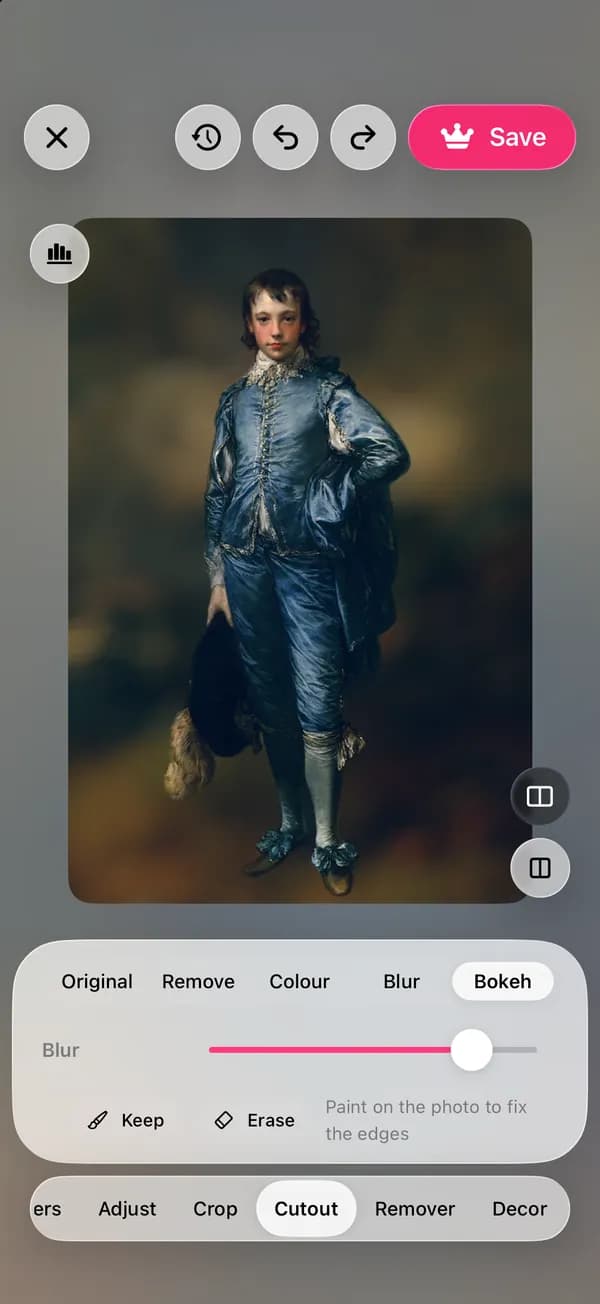
More about Skin retouchA messy room or a crowd behind you pulls attention from your face. Blur background keeps you sharp and softens what's behind, like a portrait lens; Bokeh adds round highlights to lights in the distance. It works on your phone; it is a Pro tool with a few free saves to try it.
More about Blur backgroundYour best photo may be a crop from a group shot or an old picture from a chat. AI Enhance sharpens and upscales it on lamdep's servers for 2 credits; compare before and after, and keep the version where you still look like yourself.
More about AI EnhanceGood to know
Photos from the last year or so set honest expectations. If your hair, glasses or beard changed, show it.
The first photo should show only you, face visible, no sunglasses. Group photos work better further down.
A photo cooking, hiking or playing music says more than a fifth selfie, and gives people something to ask about.
Profiles are browsed as small tiles. Look at your photo at that size: if your face is hard to find, crop closer.
Guide
Light does most of the work. Daylight from a window in front of you, or open shade outside, gives even skin and bright eyes. Direct midday sun and the flash give hard shadows and squints, which no edit fully undoes. If the light was poor, Re-light can add direction afterwards, but start with the best-lit photo you have.
Framing comes next. Head and shoulders, with your eyes about a third of the way down the frame, reads well in a small tile. Hold the camera at eye level or slightly above; a phone held low and close stretches the face. A second person cropped out of a group photo leaves a stray arm; crop tighter or pick another photo.
Edit in the order of the steps above: light first, then skin, then background, then sharpness. Each step changes how the next one looks, and doing them in order keeps every slider low. When you finish, compare with the original side by side. If a friend would notice the edit, turn it down.
Finally, pick photos that disagree with each other a little: one close portrait, one full-length, one doing something. A set of photos that all look edited the same way feels like a filter; a mix feels like a person.
Privacy is part of a good profile too. Before you upload, look at the background for anything that gives away more than you want: a street sign, a car's number plate, a work badge, letters on the table. Blur background softens most of it, and the remover's brush can clear a small detail on your phone. None of these tools posts anything for you; you decide which version leaves your phone and where it goes.
Questions
Light and colour edits are fine; changing your face or body is not. The test is simple: would someone recognise you from the photo when you meet?
No. lamdep has no reshaping tools. It works on skin, light, colour, background and sharpness.
Skin retouch's main tools are free. Re-light and Blur background are Pro tools with a few free saves each week, and AI Enhance costs 2 credits per photo.
Re-light, retouch and blur run on your phone. Only AI Enhance sends the photo to lamdep's servers, after you agree, and the result comes back to you.
Re-light can add a soft light from the side the shadow falls on. Very hard shadows are easier to fix by taking a new photo facing a window.
Natural-looking selfies, live and after the shot
A clean, well-lit photo for every profile
Restore, sharpen and share old family photos
Collages, text and captioned videos for your feed
Clean up, match the colour, cut a highlight video
Fewer tourists, frames that fit, a short reel
Make-up, a gentle retouch, titles and a collage
Sharp pets, soft backgrounds, no glowing eyes
Script, record with live beauty, edit, caption
lamdep is free on Google Play and the App Store, with one account for both.