Selfies
Natural-looking selfies, live and after the shot
Use case · Graduation
Graduation photos get printed, framed and sent to relatives, so they should look polished and still look like you. Here is a simple routine from the morning mirror to the collage you post at night.


Step by step
Open the beauty camera and try lipstick shades and blush before the day, in the same light. Make-up in lamdep follows your face, so you can turn your head and see how it holds. It works on finished photos too.
More about MakeupGraduation portraits are often printed large. Tap Auto, lower the strength, and clear only what was temporary. Natural mode, a Pro option, smooths skin while keeping pores and freckles.
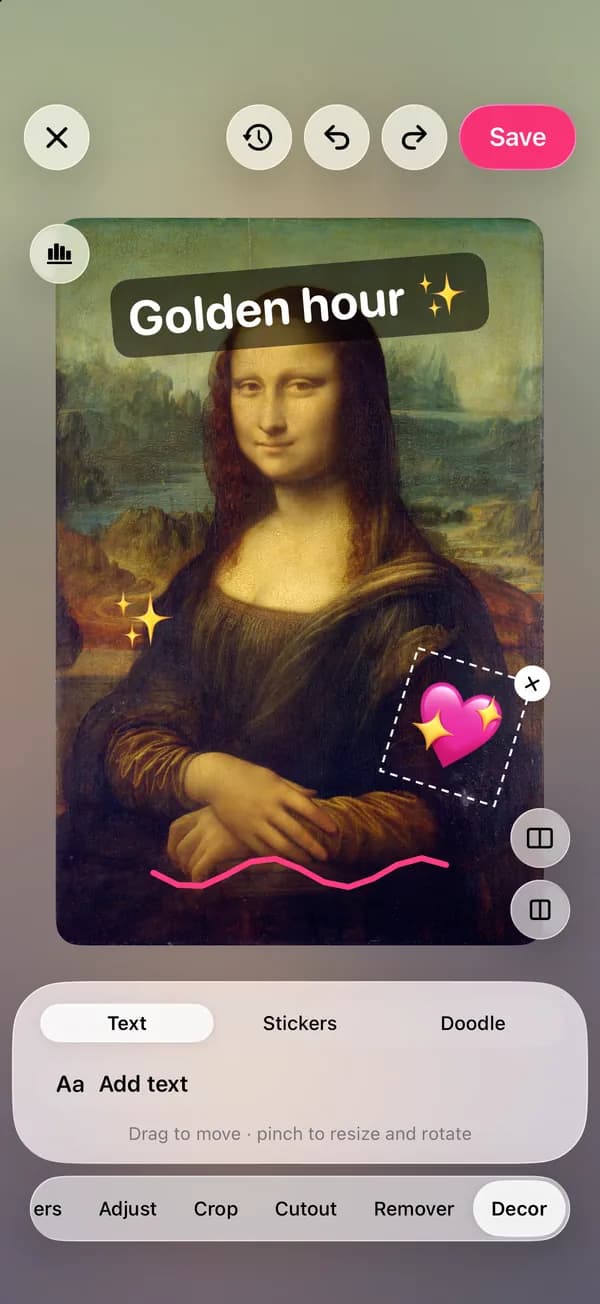
More about Skin retouchAdd text such as your degree, school or class with a font, outline or shadow that reads on the photo, a sticker if you like, and a frame for the ratio you post in. AI writer can suggest a caption.
More about Text & stickersChoose 2 to 9 photos: the cap toss, family, friends, the diploma. Pick a layout, round the corners, set the spacing and save one picture that tells the whole day.
More about CollageGood to know
Dark gowns can fool the camera into brightening everything. Tap your face on the screen to set the exposure there.
Portraits are easier before the crowd arrives, while the gown is still neat and the light is gentle.
Use the 3 or 10 second timer, and take several frames: someone always blinks.
Save the unedited photo as well as the edit. Tastes change, and the original stays useful for prints later.
Guide
Decide the shots before the day: a portrait alone in the gown, one with the diploma, one with family, one with friends, and a wide one of the place. A short list keeps you from spending the day behind the camera.
For portraits, stand with the light in front of you and slightly to one side, away from the harsh midday sun if you can. A tree's shade or the side of a building gives softer light than the open square. Hold the phone at eye level, and let the cap sit straight.
Make-up for photos can be a little stronger than everyday make-up, because cameras flatten colour. Trying it in the beauty camera first shows you how much is enough. On the photos themselves, keep retouching light: the goal is a face that looks rested, not a different face.
When you post, lead with the single best portrait and follow with the collage. Add the text on the collage or a separate title card, not across faces. Save a full-resolution copy for printing before you share a smaller one.
Group photos need a plan. Line people up in two rows, tallest at the back, and leave a little space between shoulders so every face shows. Shoot from slightly above eye level and take five or six frames in a row; with the timer you can be in the photo too. Pick the frame where the most people have their eyes open, then retouch lightly: in a group photo, nobody should look noticeably smoother than the people beside them.
Think about who receives the photos. Grandparents may want a print, friends want a post today, and you may want a portrait for a CV or a profile later. Save a full-resolution copy of each favourite without text, one collage for sharing and one closely cropped portrait. That way nobody has to screenshot a story to get the picture they wanted. If the school sends official photos later, keep them apart from your own edits, so you always know which version is which. Back up the full-resolution files the same day.
Questions
Yes. Lipstick, blush and other items preview live in the beauty camera, and you can save a combination as your look.
Not at low strength. Print makes heavy smoothing obvious, so keep texture in the skin and check the photo zoomed in.
Yes. Describe the photo in a few words, choose a playful, warm or minimal tone, and AI writer suggests captions or hashtags. It is free with 5 uses a day (50 with Pro); you need to be signed in.
From 2 to 9. Collage and its built-in layouts are free.
Collage, text, stickers and the main retouch tools are free; some make-up shades, looks and Natural smoothing are part of lamdep Pro.
Natural-looking selfies, live and after the shot
A clean, well-lit photo for every profile
Restore, sharpen and share old family photos
Collages, text and captioned videos for your feed
Better light and focus, still clearly you
Clean up, match the colour, cut a highlight video
Fewer tourists, frames that fit, a short reel
Sharp pets, soft backgrounds, no glowing eyes
Script, record with live beauty, edit, caption
lamdep is free on Google Play and the App Store, with one account for both.